Installation
Set up with an AI agent
If you use a coding agent such as Claude Code, Cursor, or Codex, you can configure your development environment with it. Give it this prompt, and the agent will install only what is missing and verify the results.
Set up this machine for Serverpod development. Check what is already installed first and only install what is missing. Do not reinstall or upgrade anything without asking me.

1. Flutter: run `flutter --version`. If Flutter is missing, install the latest stable release for this OS following https://docs.flutter.dev/get-started/install. Use the Dart SDK bundled with Flutter, not a separate one.
2. Serverpod CLI: run `serverpod version`. If it is missing, run `dart install serverpod_cli` (if it was previously installed with `dart pub global activate`, run `dart pub global deactivate serverpod_cli` first). If the install fails because the installed Flutter is too old, stop and ask me whether to upgrade Flutter.
3. Make sure `flutter`, `dart`, and `serverpod` are on the PATH for new terminal sessions, including non-interactive shells.
4. Verify by running `flutter doctor`, `dart --version`, and `serverpod version`. Do not install the platform toolchains flutter doctor reports as missing (Android Studio, Xcode, Chrome) unless I ask.

Finish with a summary in exactly this format, one item per line and no other commentary. Leave out a section if it would be empty.

Already installed
- <tool> <version>

Installed
- <tool or package> <version>

Optional, not set up
- <item flutter doctor reports as missing> (<what it is for>)

Use these descriptions for the optional items: Android toolchain (Android apps), Xcode (iOS and macOS apps), Chrome (web apps), Linux toolchain (Linux desktop apps), Visual Studio (Windows desktop apps). After the list, ask if I want any of them installed.

Then ask me: "Do you want me to create a new Serverpod project?" and show the command to do it manually: `serverpod create <project_name>`.
Prerequisites
Serverpod is tested on Mac, Windows, and Linux. Before you can install Serverpod, you need to have Flutter installed. Serverpod 4 requires Flutter 3.44.4 or later, which includes Dart 3.12.2.
Check your Flutter installation by running the following command in your terminal:
$ flutter doctor
New projects use an embedded PostgreSQL that Serverpod downloads and runs for you, so no database setup is needed. If you connect to your own PostgreSQL instead, it must be version 16 or later.
Install Serverpod
Serverpod is installed using the Dart package manager. To install Serverpod, run the following command in your terminal:
$ dart install serverpod_cli
This command will install the Serverpod command-line interface (CLI) globally on your machine. You can verify the installation by running:
$ serverpod
If everything is correctly configured, the help for the serverpod command is now displayed.
If a previous version of Serverpod is already installed with dart pub global activate, deactivate it before installing or upgrading:
$ dart pub global deactivate serverpod_cli
Install the VS Code extension (recommended)
The Serverpod VS Code extension makes it easy to work with your Serverpod projects. It provides real-time diagnostics and syntax highlighting for model files in your project.
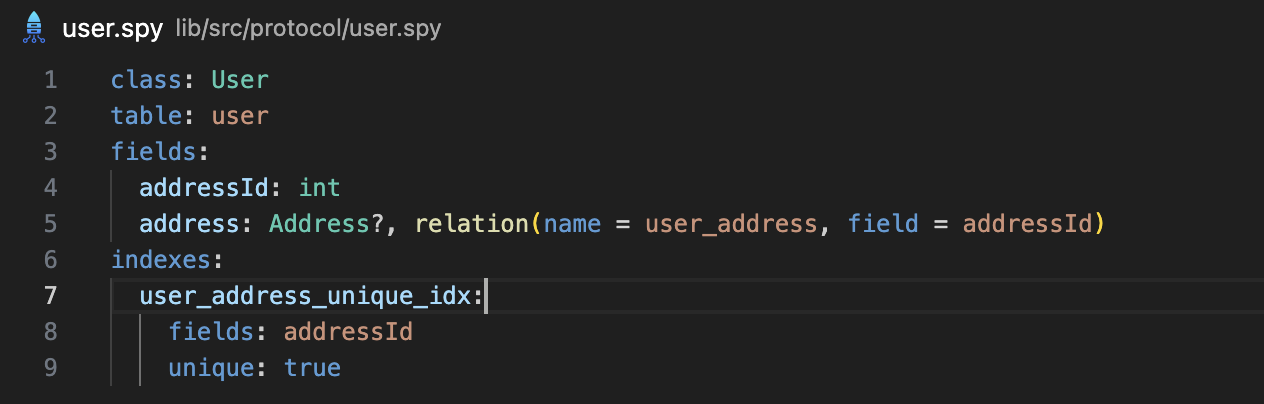
You can install the extension from the VS Code Marketplace or search for Serverpod from inside VS Code.
Install Serverpod Insights (optional)
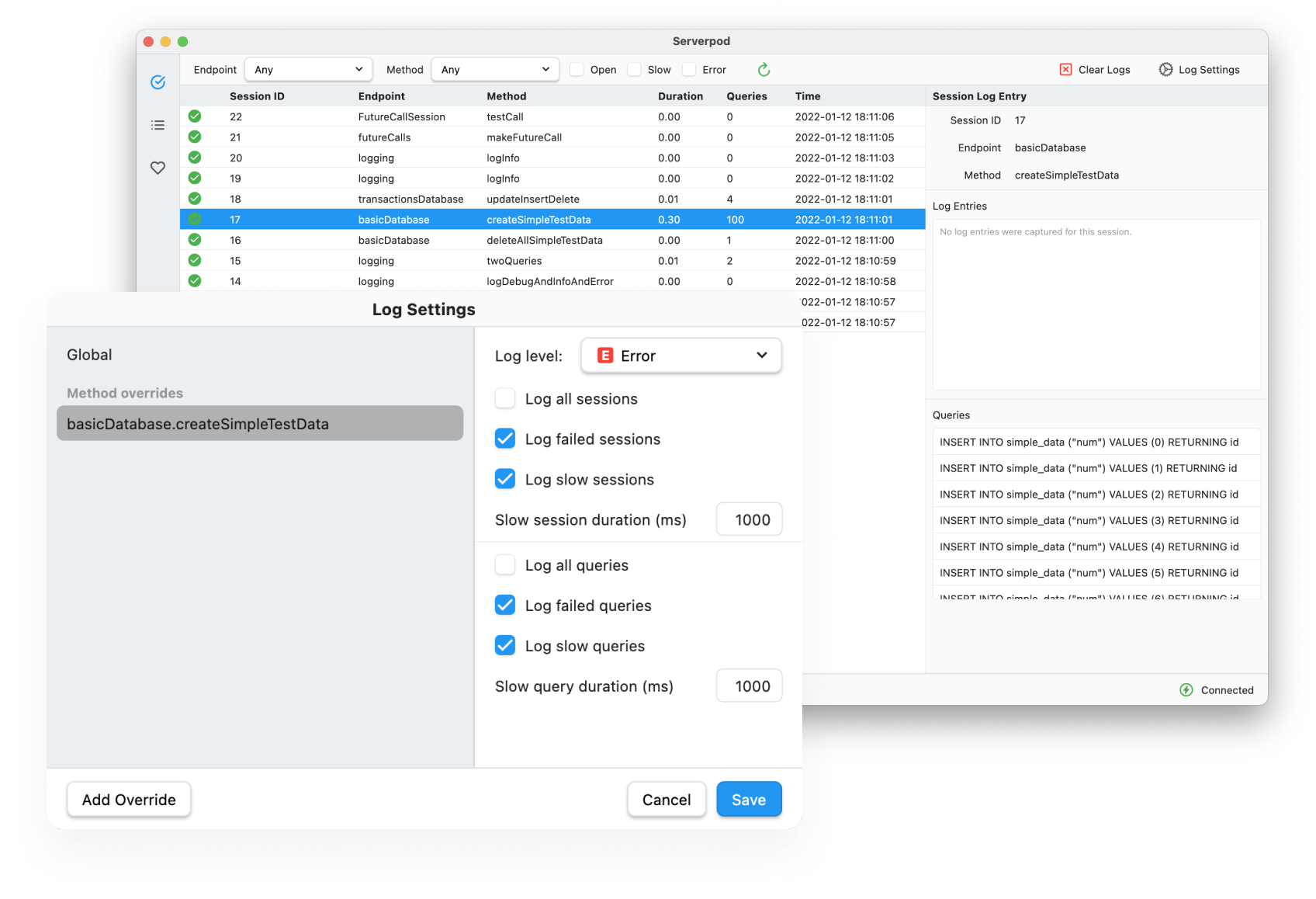
Serverpod Insights is a companion app bundled with Serverpod. It allows you to access your server's logs and health metrics. Insights is available for Mac and Windows, but we will be adding support for Linux in the future.